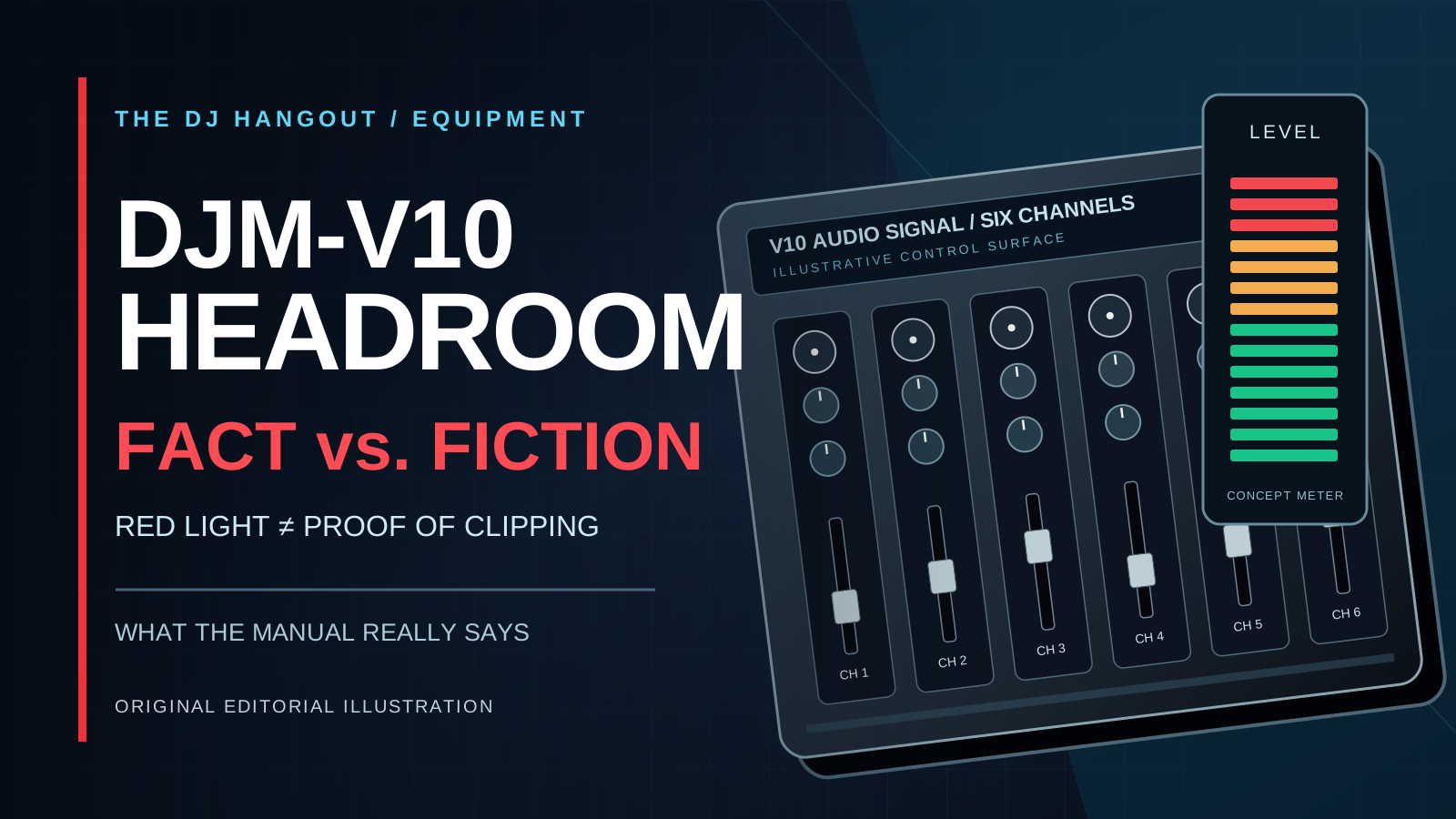
A nightclub mixer is flashing red. The DJ smiles. The crowd is moving. At front-of-house, somebody who spent all afternoon tuning the room is looking at those meters like they just received a very expensive parking ticket.
Welcome back to one of the longest-running arguments in DJ culture: does the Pioneer DJ DJM-V10 have enough headroom to justify running into the red? Or is that just a technically sophisticated excuse for turning everything up?
The debate has a real audience. A Facebook analytics summary supplied to The DJ Hangout reports 16,008 views for the earlier Stay in the Red story, with more than 14,000 of them coming from non-followers. Those figures are a user-supplied snapshot, not independently audited reach. But the conversation clearly travels beyond our usual DJ crowd.
One suggested social-media hook mentions a Grammy-winning DJ defending redlining. We are not going to invent a quote, identify an artist, or pretend we recorded that conversation. Instead, we went to a less glamorous source with considerably more technical credibility: the DJM-V10 manual.
And the manual has plenty to say.
THE MIXER IS CLEVER. IT IS NOT MAGIC.
Pioneer DJ introduced the DJM-V10 in January 2020 as a high-end, six-channel performance mixer. It has detailed four-band EQ, a compressor on each channel, sophisticated send-and-return routing, analog and digital outputs, and settings designed to help match its signal to professional sound systems.
The product uses 64-bit mixing and dithering processing and 32-bit analog-to-digital and digital-to-analog converters. That is impressive engineering. The equipment is built to preserve detail through complex mixes, not to give somebody permission to disregard every limit between their record and the loudspeakers.
A sports car with a powerful engine still comes with brakes. Excellent engineering and recommended operating practice are not the same thing.
WHAT PIONEER DJ ACTUALLY RECOMMENDS
This is the piece worth putting on screen in a Reel. Not a mysterious number passed around a backstage group chat. The manufacturer's actual instructions.
In the DJM-V10 troubleshooting section, Pioneer DJ advises users experiencing distortion to set the channel TRIM so the channel meter peaks at approximately 0 dB. It recommends adjusting the MASTER LEVEL so its meter also peaks around 0 dB.
That is the stated practical starting point when you want a clean signal. It is not an instruction to pin the red indicators all night. But neither does a red lamp by itself prove that digital clipping has occurred. Different indicators measure different points, and a brief peak is not equivalent to continuous overload.
There is an important distinction between 0 dB on a mixer meter and 0 dBFS in a digital file. A mixer's reading has its own reference scale. The V10's digital-master output reference level can be configured between -30 dBFS and -6 dBFS, with -21 dBFS identified as the factory default. That setting relates the digital output level to the meter reference; it does not magically increase the headroom of the device receiving the signal.
When somebody claims that a meter reading proves the entire house system is safe, ask them exactly which meter and which signal path they're talking about. That question alone may end half the arguments.
THREE DIFFERENT PROBLEMS WE KEEP CALLING 'CLIPPING'
First, the source itself may already sound rough. A distorted file or a badly damaged recording isn't fixed by feeding it through a premium mixer. You can lower its volume without restoring a waveform that was already clipped.
Second, the mixer or another device can be driven beyond the clean capacity of a stage in its signal path. Actual clipping is not merely a particular color appearing on a meter. It is the signal exceeding that stage's clean operating limit.
Third, you can have a clean signal leaving the mixer and still overwhelm the next component: a system processor, amplifier input, interface or another piece of venue equipment. The DJ's headphones do not reveal everything happening at front-of-house. That is why the sound engineer may object even when the DJ insists that the V10 itself is handling the music beautifully.
The crowd doesn't hear the mixer in isolation. It hears the complete chain: recording, playback deck, mixer, system processor, amplifiers, loudspeakers and room. The artist and engineer each control different portions of that chain.
YES, THERE IS A LIMITER. NO, IT DOES NOT UNCLIP AUDIO.
The V10 manual documents a PEAK LIMITER setting for its MASTER1 and MASTER2 outputs. It can be turned on or off. The master-output attenuation setting can also be adjusted from 0 down to -12 dB, in 3 dB steps.
Those features matter. An engineer may use attenuation to match the mixer output to the next device's allowable input level. Peak limiting can reduce certain output problems. But a limiter acts at a specific point in the chain. It cannot reverse clipping that happened before the signal reached it, and it cannot guarantee that every later piece of equipment has enough headroom.
Push too hard into dynamic processing and the result may become flatter, harsher, less punchy, or more fatigued. And the manual itself cautions that distortion can occur even when the master indicator doesn't reach its maximum.
This is where the 'but the club has a limiter' defense falls apart. A seat belt is useful. It is not a request to drive the van through the garage door.
WHAT 64-BIT MIXING DOESN'T MEAN
High-quality internal processing is a meaningful part of the V10's design. It does not make an analog output immune from overload. It does not upgrade the input capacity of a venue's system processor. It does not make the final sound cleaner simply because the signal is louder.
If you are going to quote the product brochure in an argument with a professional engineer, keep reading into the utility settings and troubleshooting pages. The useful facts live there too.
WHY THE DJ AND THE ENGINEER CAN BOTH SEE DIFFERENT THINGS
Imagine a hypothetical Friday night. At sound check, the engineer and opening DJ agree on a safe, punchy reference level. The room sounds great. Later, the dance floor fills up and the headliner takes over.
The DJ thinks the booth bass is weak and begins increasing trim or master output. The house doesn't necessarily become much louder, because downstream processing may already be limiting its level. The sound could still become more compressed or distorted, and the next device may be receiving more signal than the engineer agreed to accept.
Who is at fault? Maybe the DJ ignored the plan. Maybe the booth monitors were underpowered. Maybe the venue's gain structure was poorly explained. Maybe nobody checked the changeover. One photograph of a red LED can't resolve any of that.
The loudest person in the argument is rarely the most useful measurement instrument.
A SIMPLE REAL-WORLD DEMO BEATS A THOUSAND ANGRY COMMENTS
The Facebook idea is a Reel about V10 headroom. Good. But let's make it an experiment, not a staged shouting match.
Put a real DJM-V10 in a professionally supervised sound-check setup. With the venue's permission, choose a properly licensed source and record the signal at the mixer output and at the receiving system input. Compare a clean nominal operating condition with a moderately higher setting chosen by the engineer for a controlled demonstration. Keep loudspeakers at safe listening levels and never defeat protection or intentionally abuse the system.
Show the meter readings, capture the signal, and compare the two results at the same playback loudness. If one version only wins because it is louder, that does not prove it sounds better. If clipping appears, identify the stage where it happened and stop there.
Then put the real question on screen: Did the red LED itself mean clipping, or was some part of the system overloaded? That is interesting content because there's a testable answer. You don't need a celebrity argument to make the experiment work.
THREE THINGS TO CHECK BEFORE YOUR NEXT CLUB SET
First, find out what the booth and front-of-house are connected to. Is the engineer taking analog MASTER1, a digital output, or a signal through additional processing? Has the V10 master attenuation been configured? A signal chain you understand is easier to manage than one you hope will tolerate anything.
Second, agree on a channel and master meter target at sound check. Pioneer DJ's approximately 0 dB guidance for troubleshooting gives you a documented starting point, but the venue may require a different working reference based on its calibration. If the booth sounds weak later, ask for monitor adjustment rather than solving a booth problem by feeding more level into the entire room.
Third, carry that agreement through the DJ changeover. If the incoming DJ's playback files, EQ, compressors or additional effects change the level, check again. People love to discuss headroom in theory and then forget that two kick drums, an effect return and a boosted EQ band can all combine into a much hotter mix.
None of this replaces listening. None of it excuses monitoring only the LEDs. The goal is clean, powerful sound that survives the trip to the speakers.
THE VENUE OWNER IS PAYING FOR THIS ARGUMENT
A nightclub owner doesn't buy a professional mixer, sound system, lighting and staff so that the DJ and sound engineer can compete to see who gets the last word. They're buying a memorable experience that brings people back next weekend.
Damaged equipment can mean repairs and interruptions. Poorly controlled sound can exhaust an audience even when the crowd seems enthusiastic during the first hour. Confused changeovers can turn a technically simple adjustment into a full backstage drama.
Owners and promoters can lower the odds with a practical policy: check the gain structure, document sound-check targets, provide proper booth monitoring, protect the system, and have one person responsible for communicating changes. Sound engineers should explain targets in terms a DJ can see on the actual mixer, not just say 'keep it clean.' DJs should treat those instructions as part of the gig, not an insult to their artistic freedom.
A great night needs both sides. One handles the music; the other makes sure the room hears it the way it's meant to be heard.
THE VERDICT: A RED LIGHT IS A QUESTION, NOT A LICENSE
Can a DJM-V10 experience a brief red meter indication without the whole system clipping? Potentially, yes. That possibility depends on exactly what is metered, the selected settings and the signal's path through the rest of the rig. It cannot be proved from a single photo, and it is not permission to run the mixer into the red constantly.
The V10 is excellent equipment. Its output options and peak limiter are genuine engineering features. Yet Pioneer DJ's own documentation recommends approximately 0 dB peaks at channel and master when addressing distortion. Headroom is capacity, not a dare.
A DJ who understands the mixer, respects the venue's limits and can work with an engineer is doing more for the music than somebody who wins an internet argument and loses the low end.
The next time a sound engineer asks you to turn it down, don't immediately declare war. Ask what meter is clipping, where the next input is calibrated, and what would make the sound better. You may learn something. They may learn something. The speakers will certainly appreciate it.
And if you need five red lights to prove your set is exciting, perhaps the problem isn't the lights.
SOURCES AND TECHNICAL REFERENCES
Pioneer DJ / AlphaTheta — DJM-V10 product features and audio architecture https://www.pioneerdj.com/en/product/dj-mixers/djm-v10/
Pioneer DJ / AlphaTheta — DJM-V10 manuals and technical documentation https://www.pioneerdj.com/en/support/documents/mixer/djm-v10/
DJM-V10 instruction manual — troubleshooting, metering and master-output settings https://www.manualslib.com/manual/1824795/Pioneer-Dj-Djm-V10.html
Pioneer DJ — DJM-V10 four-band EQ and channel compressor https://www.pioneerdj.com/en/product/features/mixer/djm-v10-4-band-eq-and-compressor/
EDITORIAL DISCLOSURE
This is original technical analysis, not an independently conducted laboratory test or an allegation against a particular DJ. Facebook analytics figures were supplied to the editorial team and have not been independently audited. The suggested unnamed Grammy-winning DJ anecdote has not been presented as verified. Actual operating conditions must be assessed on the specific equipment and sound system. The accompanying graphic is an original illustrative design, not a photograph of a specific DJM-V10 unit.
The V10 provides advanced internal processing and configurable master output settings; reading the manual and testing safely can reveal the actual source of a distorted signal.
Redlining can lead to distortion, excess level into downstream inputs and unnecessary conflict. No amount of downstream limiting repairs audio clipped upstream.